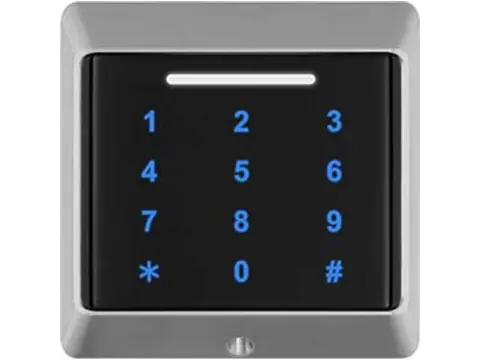
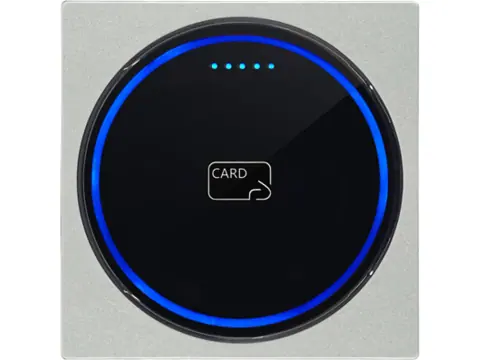
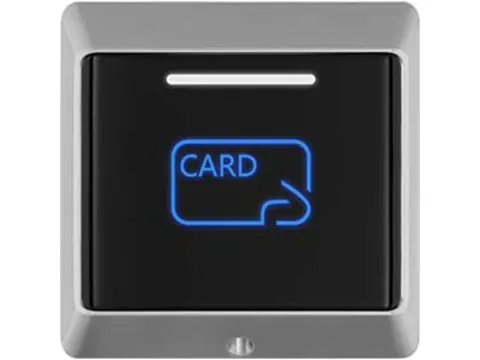
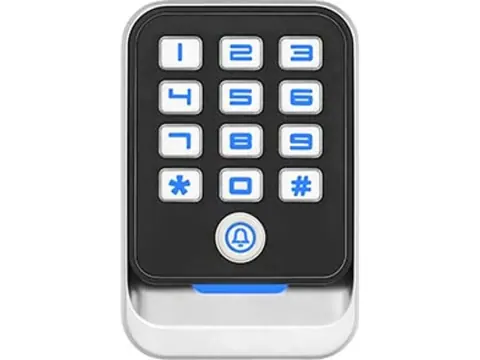
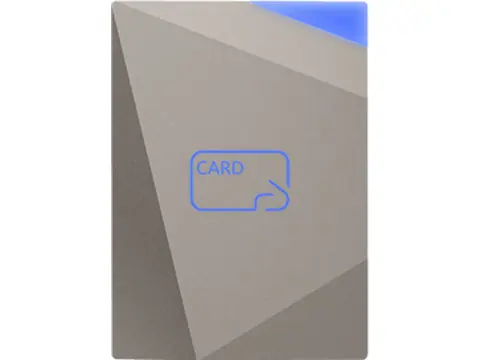
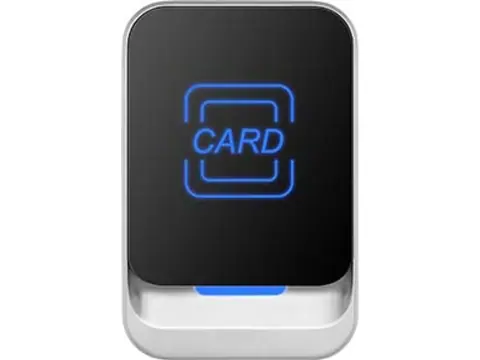
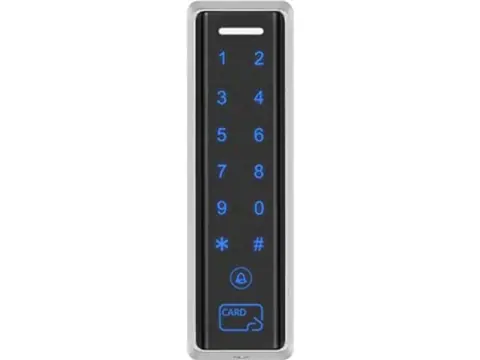
A turnstile card reader identifies each person at the lane and tells the gate to allow one passage in one direction. On most tripod turnstiles, swing gates, flap barriers and speed gates that means a 13.56 MHz card reader, a QR scanner, or both in one unit, built into the flange or mounted on the cabinet top, with face terminals on pedestals where hands-free entry matters. We supply embedded modules for turnstile builders and surface readers, terminals and controllers for integrators, and we confirm the output (Wiegand, RS485, RS232, TTL or USB) against your gate board before dispatch.
What makes turnstile lanes different
A door handles one person at a time, and a short pause does no harm. A bank of lanes at a shift change, a match or a train arrival is different: every slow or failed read builds a queue. Where the reader sits, how clearly its target is marked and how quickly it decodes matter as much as what it reads.
Three other differences shape the design:
- Direction. The gate must know which way to open. Each controlled direction gets its own reader, or its own input on the gate board.
- Authorization is not passage. An accepted card only proves a credential was valid. To count people or enforce anti-passback, the gate has to report that someone actually walked through.
- Mixed credentials. Staff badges, visitor QR passes, event tickets, gym memberships and faces often share the same lanes.
How a turnstile lane is laid out
The chain runs credential → reader → decision → gate board → passage feedback. The decision can sit in one of three places:
- Access controller. The reader sends a card number over Wiegand or RS485, and the controller checks users and schedules, applies anti-passback, then pulses the gate board’s direction input through a dry-contact relay. This is the usual pattern for offices, factories and gyms. A two-door controller, such as our networked door controllers, gives one lane an entry reader, an exit reader and two relays.
- Host or ticketing server. The reader forwards the full QR content over RS485, RS232, TTL or USB to a lane PC or server, which validates the ticket and signals the gate. Stadiums, attractions and transit-style lanes work this way.
- Standalone reader. A QR controller or face terminal with its own validation and relay pulses the gate directly. It is simple for one lane but gives up central anti-passback across lanes.
Typical lane wiring
| From |
To |
Signal and notes |
| Entry reader D0 / D1 / GND |
Controller reader 1 input |
Wiegand 26 or 34; Wiegand needs a common ground |
| Exit reader D0 / D1 / GND |
Controller reader 2 input |
Or leave exit free and wire an exit button |
| Controller relay 1 (COM / NO) |
Gate board entry-direction input |
Dry-contact pulse authorizes one passage |
| Controller relay 2 (COM / NO) |
Gate board exit-direction input |
Pulse length set per the gate manual |
| Gate board passage-complete output |
Controller auxiliary or sensor input |
Needed for counting and anti-passback |
| Fire alarm panel output |
Gate board emergency input |
Gate frees or opens on alarm; follow the gate manual for NO/NC logic |
| Reader RS485 A / B (host-validated lanes) |
Lane PC or ticket host |
Twisted pair, unique address per reader, 120 Ω at both bus ends |
Terminal names vary between gate makers, so check the gate board manual before final wiring.
Hardware selection by lane position
| Location |
Recommended hardware type |
Key spec to check |
| Tripod or swing-gate flange (built into the gate) |
Embedded QR + 13.56 MHz module behind a window |
Window material; front ingress rating; output port that matches the gate board |
| Speed-gate or flap-barrier cabinet top |
Slim mullion or glass-panel QR-and-card reader |
Scan distance and angle; decode time; mounting height |
| Office lobby staff lanes |
13.56 MHz card reader, encrypted where copied badges are a risk |
UID-only or encrypted read; Wiegand format the controller has enrolled |
| Stadium, attraction and transit-style lanes |
QR scanner with serial output to the ticket host |
Supported symbologies (QR, PDF417, 1D); serial protocol; screen reading |
| Gym and leisure-center entry |
QR-and-card reader, or a face terminal |
Membership platform integration; user capacity |
| Hands-free staff entrance |
Face recognition terminal on a pedestal or gate bracket |
Liveness detection; recognition time; Wiegand or relay output |
| Exit side of the lane |
Second reader, or exit button and free-exit setting |
Direction mapping on the gate board |
Our QR code and RFID readers include an embedded module made for turnstile flanges. It measures 71 × 65.54 × 19.4 mm, has an IP65 front, reads QR codes at 3–20 cm and 13.56 MHz cards at 0–5 cm, and runs from 9–24 V DC, so a 12 V or 24 V gate supply will do. Every version outputs Wiegand and USB, with RS485, RS232 or TTL as the serial port.
For card-only gates, builders can embed one of our 13.56 MHz NFC reader modules instead. For hands-free lanes, the face recognition terminals include a slim IP65 metal model sized for narrow mounts.
Long-range UHF is usually the wrong tool for pedestrian lanes, because a field reaching several meters can read tags in the next lane or the queue.
Integration and installation notes
- Give embedded readers a window. A metal flange blocks both the RF field and the camera, so cut the opening into a non-metallic insert such as acrylic or tempered glass. Seal the gasket and ask for the module’s mounting drawing before you fix the cut-out.
- Place the scan window for the user. Angle it toward the approach, keep it out of direct sun, and mark it clearly. People hunting for the target slow a lane more than decode time does.
- Mind the Wiegand limit. Wiegand 26 and 34 carry 24 and 32 data bits, so full ticket content cannot pass. Either the reader validates and outputs a user number, or the content goes over a serial link. The QR code access control guide covers both approaches.
- Plan RS485 across a bank of lanes. One daisy-chained bus can serve every reader: give each a unique address and terminate both ends with 120 Ω. The Wiegand vs OSDP guide compares cable limits and security.
- Keep reader power clean. Gate motors create electrical noise, so feed readers from a regulated reader output or a separate supply, and keep reader cables apart from motor wiring.
- Plan emergency egress. In the US, NFPA 101 limits where turnstiles may stand in a required means of egress, and the authority having jurisdiction decides what is acceptable. Wire the fire-alarm input, provide a side gate or separate exit, and confirm how the gate behaves on power loss. If the specification calls for UL 294-listed access control units, confirm the listing for each item before bidding.
- Handle face data lawfully. Biometric templates used for identification are special-category data under the GDPR, so settle retention and consent rules before enrollment.
Typical bill of materials (per lane)
- Entry reader: embedded QR + 13.56 MHz module, or a surface QR-and-card reader
- Exit reader, or an exit button where exit is free
- Face recognition terminal and pedestal or bracket, where hands-free entry is required
- Access controller: a two-reader controller per lane, or a multi-door controller shared across lanes
- Credentials: 13.56 MHz cards, key fobs or wristbands, plus QR codes issued by your platform
- 12 V DC power supply for readers and controller when the gate board cannot supply them
- Shielded 22 AWG cable for Wiegand, and 120 Ω twisted pair for RS485
- USB desktop reader for enrolling cards at reception (optional)
Why source lane hardware from one supplier
A lane only works when reader, credential, controller and gate board agree on frequency, card format and output. We check that chain against your gate board or controller before dispatch, so the first delivery reads correctly on site.
Turnstile builders can order sample modules to test the window, cable routing and read distance in a real cabinet before committing to volume. Integrators can combine readers, face terminals, controllers, cards and wristbands and power supplies in one mixed order.
Next steps
Send us the number of lanes and the gate type, the credentials each lane must accept, the gate board’s inputs or serial protocol, whether a host system validates tickets, and whether the lanes are indoors or outdoors. Request a quote and we will reply within 24 hours with matched readers, modules or terminals and sample options.